
Gusto Review
AI-assisted payroll, benefits, and onboarding for small business
Starting at
From $49/mo + $6/person
Best for
Small and midsize businesses wanting payroll simplicity
Quick verdict: Gusto is best for small and midsize businesses wanting payroll simplicity — we'd recommend it without reservation for the profile below.
From $49/mo + $6/person
Pricing and product details sourced from the vendor's official site.
Gusto bundles payroll, benefits administration, and HR workflows into a single, approachable platform aimed squarely at small and midsize businesses without dedicated IT resourcing. Its AI features — an assistant called "Gus" plus automated compliance alerts — are built directly into daily payroll and onboarding tasks rather than offered as a separate add-on.
Pros & Cons
Pros
- AI features are woven directly into everyday payroll and onboarding workflows, not bolted on
- Genuinely accessible for teams with no dedicated HR or IT resourcing
- Transparent, predictable small-business pricing structure
Cons
- Less depth for complex, multi-entity or international payroll needs
- Advanced workforce analytics are lighter than dedicated people-analytics platforms
Key Features
- AI assistant ("Gus") for payroll and HR questions
- Automated payroll, tax filing, and compliance alerts
- Built-in onboarding document workflows
- Benefits administration and time tracking
AI Capabilities
The specific AI-driven capabilities we found in our research on Gusto.
- AI assistant ("Gus") for payroll and HR questions
Pricing
Simple
$49/mo + $6/person
Very small teams
- Core payroll
- Basic HR tools
Plus
$80/mo + $12/person
Growing small businesses
- Time tracking
- PTO management
Premium
$180/mo + $22/person
Established SMBs
- HR resource center
- Compliance alerts
Screenshots
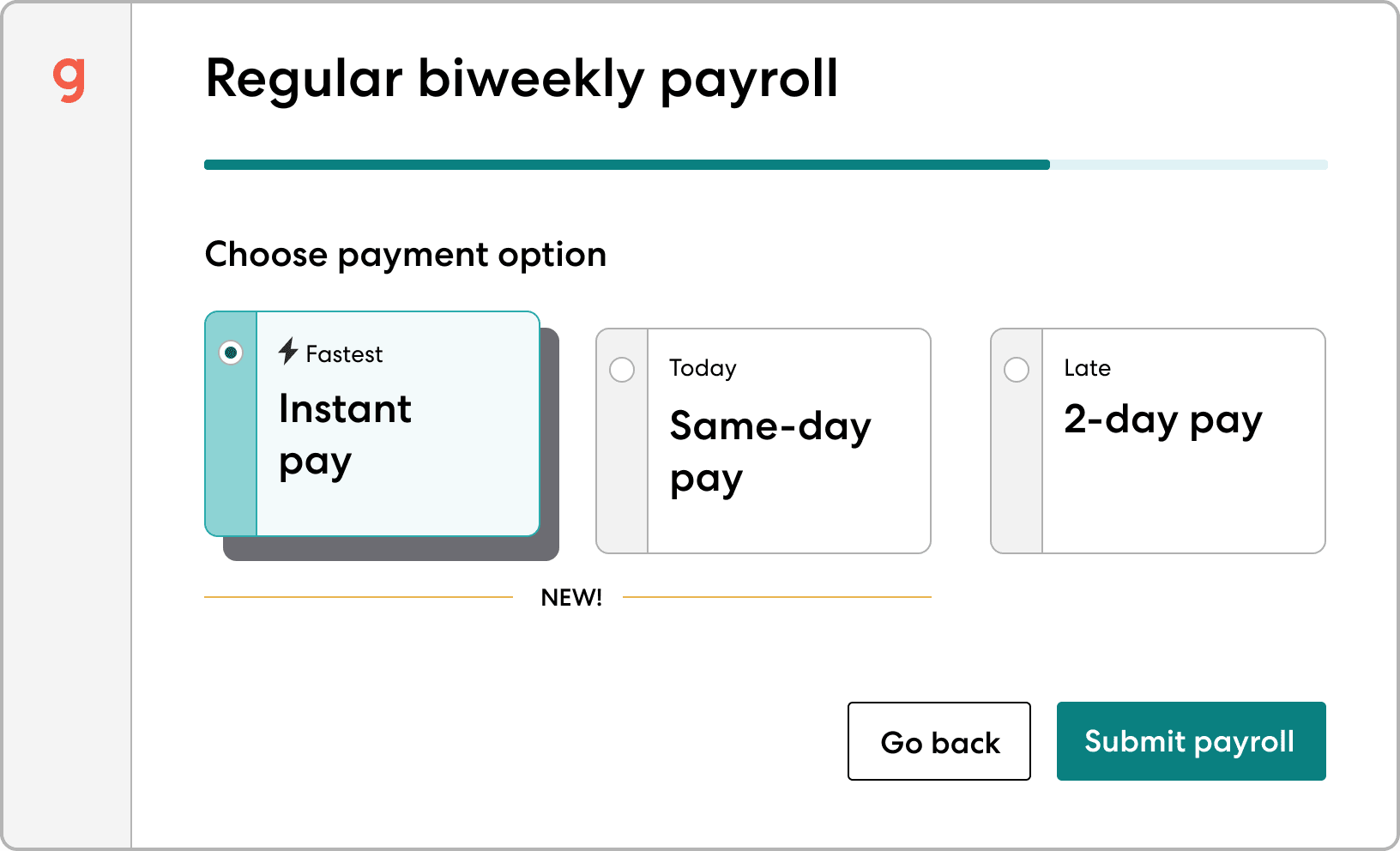
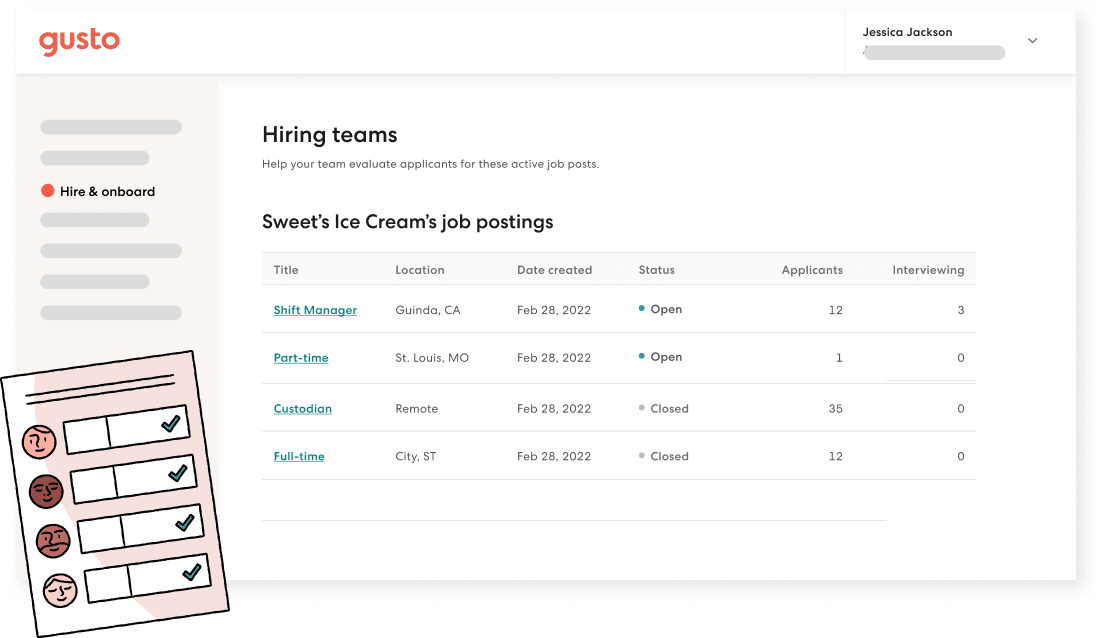
Official product screenshots published by Gusto, not independently captured by us — see our Methodology.
Integrations
Integration list reflects what we found in vendor documentation at time of research — always confirm current integration depth directly with Gusto before purchasing.
Customer Support
We haven't independently verified Gusto's specific support channels, hours, or SLA tiers yet. Confirm current support details directly on Gusto's website before purchasing.
Security & Compliance
- Gusto bundles payroll, benefits administration, and HR workflows into a single, approachable platform aimed squarely at small and midsize businesses without dedicated IT resourcing. Its AI features — an assistant called "Gus" plus automated compliance alerts — are built directly into daily payroll and onboarding tasks rather than offered as a separate add-on.
- Automated payroll, tax filing, and compliance alerts
These are claims found in Gusto's own materials during our research, not an independent security audit — confirm current certifications directly with the vendor before handling sensitive HR data.
Ready to try Gusto?
Visit the official site to see current pricing.
Some links on this page are affiliate links — see our Affiliate Disclosure. This never affects the verdict above; see our Methodology.
Alternatives to Gusto
Rippling
Unified HR, IT, and payroll automation with zero-touch onboarding
Paycor
AI-powered payroll, scheduling, and workforce analytics
BambooHR
SMB-to-mid-market HRIS with a tiered AI Assistant for HR questions and policy lookup
ADP Workforce Now
All-in-one payroll and HR platform for mid-market companies, from one of HR tech's largest vendors
Justworks
PEO with published payroll, benefits, and compliance pricing for small businesses
Comparisons Worth Reading
Paycor vs UKG Pro: Mid-Market Payroll or Enterprise Compliance?
Read article
Rippling vs Enboarder: Unified Onboarding or Onboarding Experience Specialist?
Read article
Justworks vs TriNet HR Plus: Which PEO Fits?
Read article
BambooHR vs Rippling: Which Fits Your HR Automation Needs?
Read article
ADP Workforce Now vs Dayforce: Which Fits Your Payroll AI Needs?
Read article
Related Reviews



Related Coverage
Rippling vs Gusto: Unified HR Platform or Payroll-First Simplicity?
Read article
Best AI Onboarding Software in 2026
Read article
Best AI Payroll Software for Small Business in 2026
Read article
How to Evaluate an AI HR Tool Before You Buy: A Practical Checklist
Read article
AI HR Tools for Small Teams vs Enterprises: What Actually Changes
Read article
The Real Cost of AI HR Software: Pricing Models Explained
Read article
Homebase vs Gusto: Free Shift Scheduling or Small-Business Payroll?
Read article
UKG Pro Alternatives: 3 Options Worth Considering
Read article
Gusto Alternatives: 3 Options Worth Considering
Read article
Rippling Alternatives: 3 Options Worth Considering
Read article
Frequently Asked Questions
Yes — it's specifically built to be approachable for very small teams without dedicated HR staff.
Yes, Gusto supports multi-state payroll and automates related tax filing requirements.
Our Verdict
RecommendedGusto looks like a fit for small and midsize businesses wanting payroll simplicity. Based on our research, it's a strong option for that profile — see the Pros & Cons above for the specific trade-offs.
This verdict is based on publicly available research — vendor documentation, pricing pages, and third-party reviews — not first-hand, hands-on testing.
Gusto
From $49/mo + $6/person